
Compliance is only the beginning—see how the SecureC ecosystem connects.Explore the platform

DPDP READINESS & IMPLEMENTATION

DPDP readiness.
Practical help for your business.

We help your organization prepare for India’s Digital Personal Data Protection (DPDP) Act with practical checks, clear actions and proof of the work done. Start with your industry, understand the gaps and put the right measures in place.

Plain-language guidance for business teams, with IT and legal specialists involved where their expertise is needed.

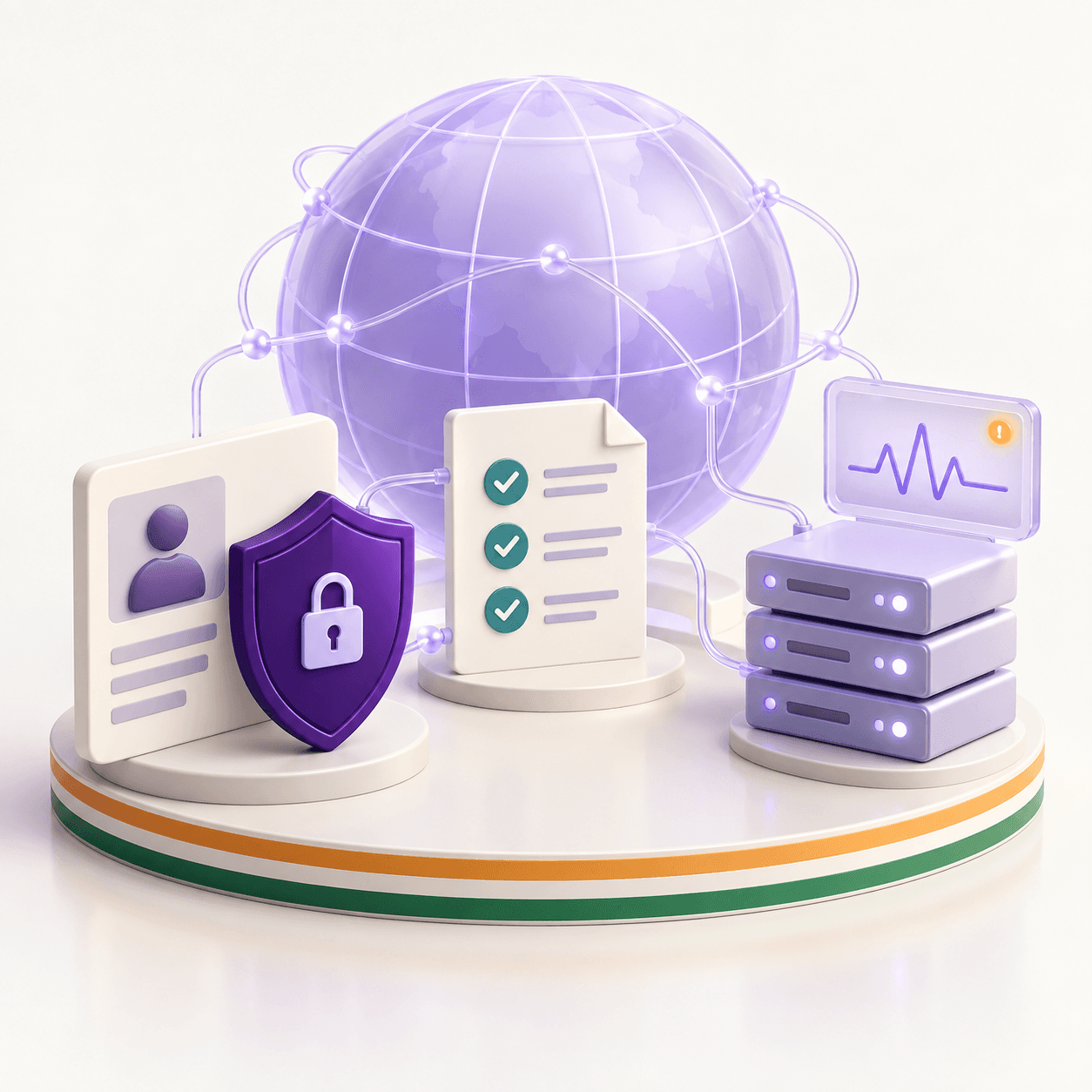
Personal information protection, evidence and security connected around an India-inspired platform.

START WITH THE BASICS

What does DPDP readiness mean?

Personal information is anything that can identify a person, such as a name, phone number, address or patient record. Businesses use it every day to provide services, pay staff and answer customers.

DPDP readiness means understanding how that information is used, checking the duties that apply and putting workable privacy measures in place. A policy is a starting point; the day-to-day process needs to work too.

A simple example

A customer gives you their phone number.

Your team should know why it is needed, explain the use, check any required permission, limit who can access it and decide when it should be removed.

We help turn questions like these into clear tasks your team can complete and demonstrate.

INDUSTRIES WE SUPPORT

Start with the way your industry uses information.

We provide readiness checklists for these eight industry groups. Your actual activities decide which steps apply; industry examples are practical guidance, not separate legal duties.

Patients, families and care teams

Healthcare

Review patient registration, medical reports, online consultations and sharing with labs or insurers.

  • Limit who can open patient records
  • Send reports only to verified recipients
  • Check rules for children’s information

Students, parents and school staff

Education

Review admissions, student portals, online classes, results, photos and learning providers.

  • Check parent permission where required
  • Protect student accounts and results
  • Control access to class recordings

Shoppers, loyalty members and delivery recipients

Retail / E-commerce

Review checkout, loyalty programmes, promotions, customer support and delivery partners.

  • Separate promotional choices from orders
  • Share only needed delivery details
  • Keep withdrawn permission out of future campaigns

Customers, account holders and applicants

Banking / Financial Services

Review onboarding, identity documents, account records, service partners and customer communications.

  • Restrict access to identity documents
  • Protect statements and support conversations
  • Check legal retention before deleting records

Users, customer companies and support teams

IT / SaaS

Review signup, customer workspaces, cloud providers, support access and connected services.

  • Keep one customer’s records separate from another’s
  • Control support and provider access
  • Test account closure and data deletion

Employees, contract workers and site visitors

Manufacturing

Review workforce systems, payroll, attendance, factory entry, cameras and outside maintenance access.

  • Remove plant and system access when workers leave
  • Protect payroll and health records
  • Review biometric and visitor information

Subscribers, account holders and service agents

Telecom

Review subscriber signup, identity checks, bills, usage records, apps and outsourced support.

  • Control dealer and call-centre access
  • Protect account changes and bill delivery
  • Review location use and overseas sharing

Customers, staff, applicants and visitors

General / Other Businesses

Start with a general checklist for enquiries, hiring, staff records, suppliers, events and everyday information sharing.

  • Explain why contact details are collected
  • Protect shared files and mailing lists
  • Set rules for keeping and deleting records

Don’t see an exact match? We can start with the general business checklist and review your services, people, systems and information-sharing arrangements.

WHAT WE HELP YOU IMPLEMENT

Privacy measures people can use in their everyday work.

We help your teams work through the following areas, with clear instructions and examples of the proof needed for review.
Know your information
List what you collect, why it is needed, where it is stored and who receives it.
Explain and record choices
Make notices understandable, record permission where needed and give people a usable way to withdraw it.
Help people with requests
Set up routes for access, corrections, deletion requests and complaints, with identity checks and clear ownership.
Protect access and sharing
Limit staff and supplier access, protect files, review sharing links and test that users cannot open someone else’s records.
Prepare for loss or a leak
Practise how to report, contain and investigate an incident, and prepare the communication steps that apply.
Keep and delete with care
Set retention rules, check other legal record-keeping duties and arrange controlled deletion across systems and providers.

HOW WE WORK WITH YOU

From the first check to ongoing improvement.

An assessment shows where to start. We help you follow it with an action plan, practical changes and organized evidence.
  1. Step 01

    Understand your business

    We identify your services, the people whose information you hold, the systems you use and the suppliers involved. We help you identify questions that need legal confirmation.

  2. Step 02

    Check what is already in place

    We use an industry checklist to compare your current practices with relevant privacy work. Each step explains what to do, what proof to attach and when it applies.

  3. Step 03

    Make a plan to close the gaps

    We turn missing work into a practical action plan. Your team can assign responsibility, set priorities and track the changes needed.

  4. Step 04

    Put privacy measures into daily work

    We help teams improve notices, permission records, access, supplier handling, deletion and response processes. Your business and IT teams carry out the changes with clear guidance.

  5. Step 05

    Collect proof and support review

    We help organize policies, screenshots, sample records and test results. The portal keeps self-assessed progress separate from answers accepted by an auditor.

  6. Step 06

    Keep improving each year

    Repeat the assessment for a new year, review changed systems and suppliers, and keep staff informed. Earlier assessments keep their original checklist and records.

SUPPORTED BY THE READINESS PORTAL

A checklist that explains each step.

Each current industry checklist has 220 steps: 200 common steps and 20 industry-specific steps. Some steps apply only in certain cases. The aim is to help your team carry out the relevant work and show what has been done.

Clear instructions

Every item explains what to do, what proof to attach and when it applies. Search and topic filters help people find their tasks.

Evidence and review

Attach a file or identify supporting proof. Keep self-assessed progress separate from auditor-accepted answers, and follow up on rejected items.

Annual progress

Start a fresh assessment for each year, see progress on the dashboard and export a report. Earlier assessment records stay available.

Readiness scores show progress against the selected checklist and reviewed evidence. They are not a certification or a guarantee of legal compliance. Applicable duties, start dates and exceptions need to be checked for your organization.

WHY IT MATTERS TO ALL OF US

Better privacy practices make a difference in daily life.

Personal information passes through businesses whenever we shop, study, work or use an app. These examples show what careful implementation can look like.

When you shop online

A shop explains why it needs your address and records optional promotional choices separately from the order.

Why it helps: You can understand how your details are used and have a clearer route to stop an optional use.

When you visit a hospital

The care provider limits access to reports and checks who should receive them.

Why it helps: Your medical details are less likely to be seen or sent to someone who does not need them.

When your child uses a school app

The school checks which child-data rules apply and controls access to student records, photos and recordings.

Why it helps: Parents can better understand the information being collected and who can use it.

When you start or leave a job

The employer protects payroll records, reviews access and removes accounts when staff leave.

Why it helps: Personal records stay with the people who need them for their work.

When an app asks for device access

The business checks whether it really needs your contacts, camera or location for the service you requested.

Why it helps: Less unnecessary information is collected or exposed through everyday app use.

When your details change or something goes wrong

The organization provides a clear contact route for corrections, privacy requests and complaints.

Why it helps: You have a practical way to ask questions and get the issue to the responsible team.

COMMON QUESTIONS

DPDP readiness, explained simply.

What does DPDP readiness mean in simple words?

It means preparing your organization to handle digital personal information responsibly. You find the information you hold, check the rules that apply, put measures in place and keep proof that the work is being done.

Which industries can you help?

We have checklists for healthcare, education, retail and e-commerce, banking and financial services, IT and SaaS, manufacturing, telecom, and general businesses. We start with your actual activities and identify which steps apply.

How detailed is the checklist?

Each current industry checklist has 220 steps: 200 common steps and 20 industry-specific steps. Each has instructions, examples of proof and guidance on when it applies. Some steps only apply to certain activities or organizations.

Will we receive help with implementation as well as an assessment?

Yes. We help you turn findings into actions, clarify responsibility, organize evidence and review progress. Your teams put the agreed process and technical changes in place with practical guidance.

Can staff without a legal or IT background use it?

The checklist uses simple instructions and examples, such as a notice screenshot, an access review or a deletion test. Staff can work on their own tasks and involve IT or legal specialists where a step needs their expertise.

Does a high readiness score mean we are legally compliant?

A score shows progress against the selected checklist and the evidence reviewed. It is not a government approval, certification or guarantee of legal compliance. Legal applicability and interpretation need appropriate professional review.

Can we repeat the assessment next year?

Yes. The portal supports separate annual assessments, fresh answers and evidence, an annual dashboard and downloadable reports. Earlier assessment records are preserved.

Make a practical plan for DPDP readiness.

Tell us about your industry, services and current privacy work. We will help identify a sensible starting point and the steps your team needs to take.

Continue exploring